In the world of server administration, it’s not a matter of if a server fails, but when. Whether it’s a botched update, a security breach, or a rare hardware hiccup, having a VPS backup resiliency strategy is the difference between a minor detour and a total disaster. For production environments—especially high-traffic news platforms like kabarterdepan.com—”hope” is not a strategy. You need a redundant, automated, and verified pipeline.
If you’re looking for a reliable place to spin up your infrastructure, I highly recommend checking out HostBadak.com. My friend who also my mentor on the system administration world runs the shop, and they offer solid VPS and SFTP backup instances that are perfect for this architecture. For example, for just 150k IDR, you can land a massive 1 TB SFTP backup node. Using a provider like HostBadak for your secondary storage ensures your data is logically and geographically isolated from your main compute node.
1. The Strategy: Hybrid Recovery
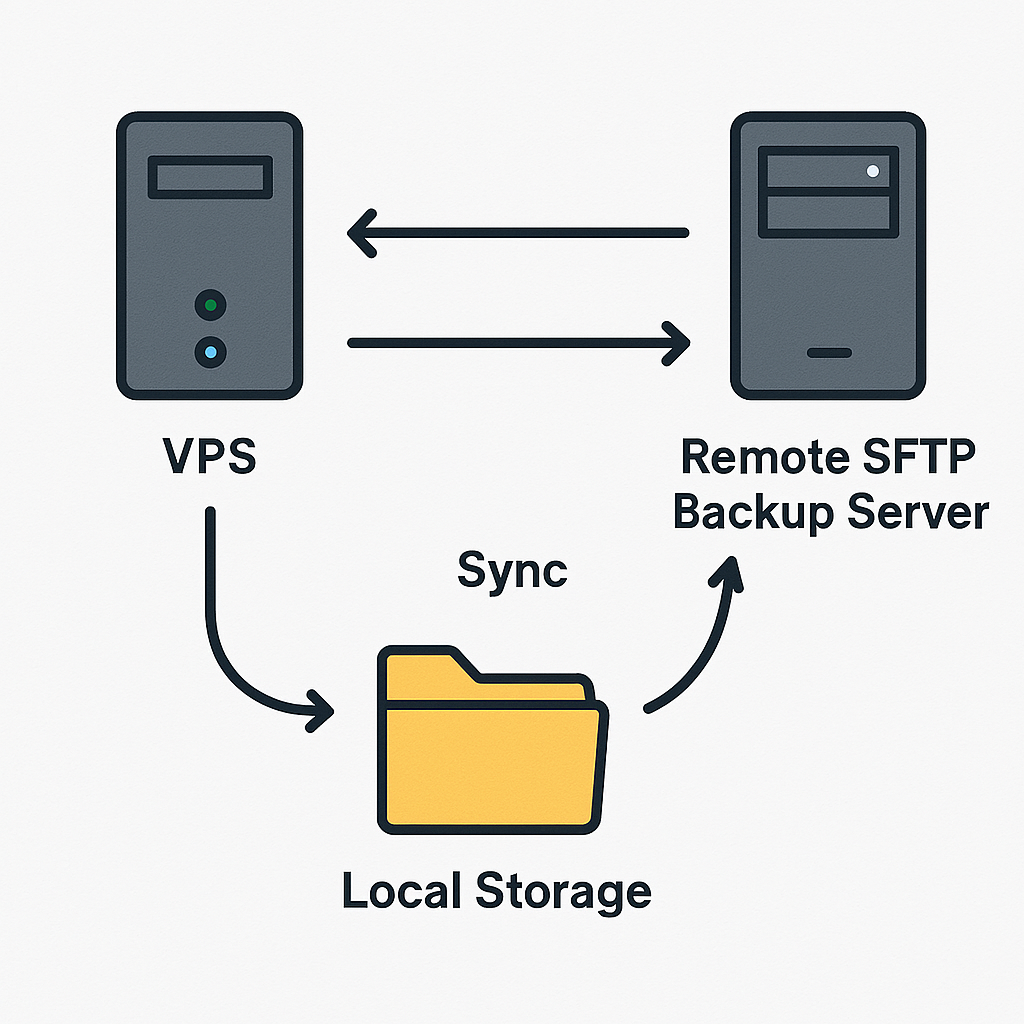
We aren’t just “copying files.” We are building a tiered recovery system that minimizes system strain and provides a safety net for both automated cycles and manual interventions:
-
Daily Snapshots: Comprehensive backups triggered post-midnight when user activity is at its lowest.
-
Granular Binlogs: Incremental database captures (Hourly or Bihourly) to ensure minimal data loss.
-
On-Demand Snapshots: Manual, impromptu full backups of everything right before you make risky changes.
-
The Local Staging Archive: A dedicated “holding” area on your VPS for smooth, low-latency transfers.
-
The SFTP Relay: Immediate off-site syncing with real-time email notifications.
2. The Daily Heavy Lifters (Compressed .tar.gz)
The foundation of your resiliency is the daily full backup. I typically schedule this for post-midnight (e.g., 2:00 AM local time) to capitalize on the lowest traffic period. This reduces the risk of file-locking issues while the CPU is busy compressing data.
For the best balance between storage savings and processing speed, I use .tar.gz. While modern storage is cheap, bandwidth and restoration time are not; keeping your archives lean makes moving them across the network much faster.
Defining Your Local Staging Area
You need to designate a Local Archive Directory on your VPS. I recommend choosing a path owned by your primary system administrator user (not root).
Crucial Tip: Do not place this folder inside /home, /etc, or your web directory. If you do, your backup script will recursively back up its own previous archives, leading to a massive “zip-bomb” effect and a crashed disk. Instead, create a dedicated top-level directory (e.g., /data_backups) and ensure it is excluded from your recursive paths but fully accessible to your cron service. This keeps your scripts from needing elevated sudo privileges for every move while allowing the system to manage the files securely.
The “Big Four” Backup Targets:
-
Full Database Dump: A complete SQL export, compressed immediately.
-
Web Directory (
/var/www): All application code, scripts, and site data. -
Home Directory (
/home): User configurations, SSH keys, and custom tools. -
System Configs (
/etc): The “brain” of your server—Nginx blocks, Firewall rules, and Cron definitions.
3. Closing the Gaps: Binlogs & On-Demand Snaps
Daily backups are essential, but for news sites, a 24-hour gap is unacceptable.
-
Point-in-Time Recovery (PITR): By syncing your MySQL/MariaDB Binary Logs (binlogs) regularly, you enable PITR. I use a bihourly (2-hour) window, but this can be reduced to hourly or less depending on your data flow. If your database corrupts at 4:00 PM, you restore the 2:00 AM full dump and “replay” the binlogs to recover transactions until the failure.
-
The “Pre-Flight” Snapshot: Before running a major
apt upgrade, trigger an On-Demand Snapshot. This is an impromptu, manual full backup of all four pillars. It ensures you have a fresh state from five minutes ago if things go sideways.
4. Handling the “Asset Elephant” (The Initial Sync)
Your Assets/Uploads folder is often massive. For a news site, these grow quickly. In my experience, handling 23GB spread across 120,000+ files required a specific approach.
-
The Dedicated Script: I created a standalone script for the Initial Sync. Don’t wait for a daily trigger for the first load; run it manually to establish the baseline. My first run took 110 minutes just to index and transfer.
-
Subsequent Syncs: Once the baseline is at HostBadak, the Daily and On-Demand scripts use
rsyncto only send the changes. This turns a 2-hour task into a 2-minute update.
5. Smart Retention: Balancing Cost and Safety
VPS storage is expensive, but dedicated backup storage is cheap. To stay lean, we implement a Split Retention Policy.
6. The SFTP Relay & Real-Time Monitoring
To prevent I/O bottlenecks and disk contention on your live site, we use our local staging directory as a buffer. Once a backup (Daily, On-Demand, or Binlog) is compressed locally, an SFTP Relay immediately pushes it to the secondary server.
Each relay sends an automated email notification to my primary address. This turns “silent automation” into “active monitoring,” allowing me to verify Success Status, Payload Size, and Timestamps at a glance.
⚠️ The Golden Rule of Backups: > Automated emails tell you the script ran, but they don’t prove the data is valid. You must periodically test a restore. You don’t need a second VPS for this; having WSL (Windows Subsystem for Linux) installed on your local laptop is sufficient to pull a
.tar.gzfrom your HostBadak storage and verify that the database imports and files extract correctly.
7. Making it Work: The Power of Cron
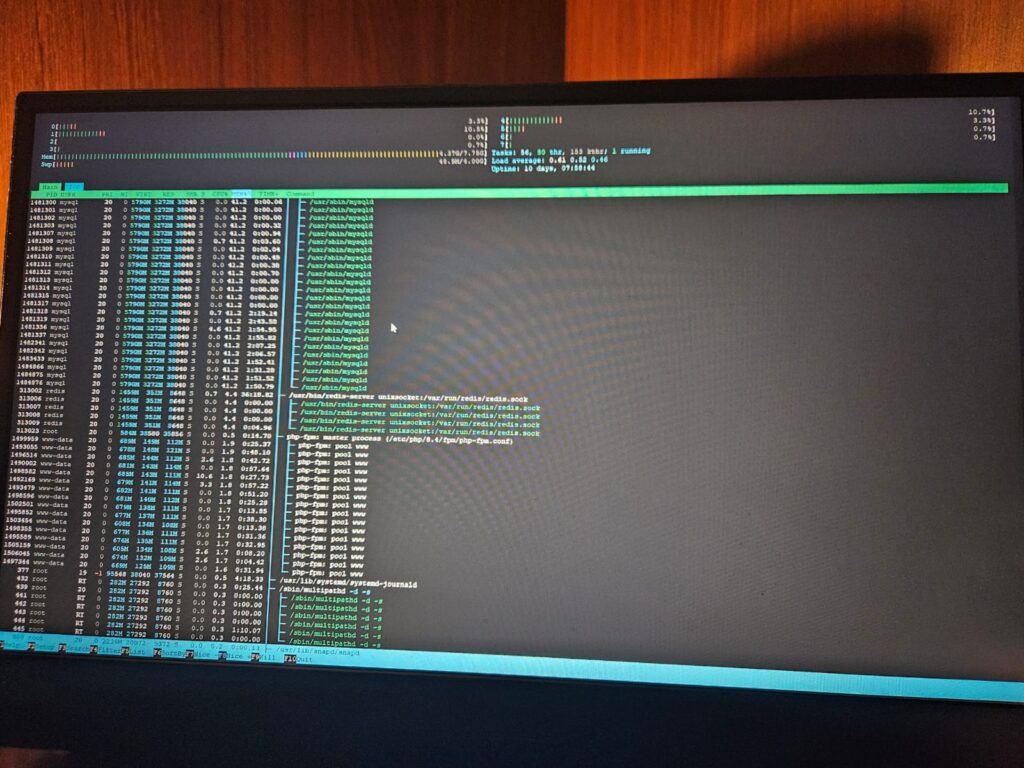
None of this runs by magic. Your server is a loyal soldier, but it only does what it is told. To make this VPS backup resiliency strategy a reality, you must define these jobs in your Crontab. Without a properly configured Cron schedule, your backup scripts are just files sitting on a disk.
Conclusion
By staging backups in a local archive before sending them off-site, you eliminate the risks of network jitters during live file changes. When you combine this with a HostBadak SFTP instance and granular binlogs, your Maximum Data Loss window is effectively zero.
Don’t wait for a crash. Define your directories, write your scripts, and set your cron jobs.
Check out the high-capacity backup nodes at HostBadak.com to secure your data today.